 eleanor
Official WhatsApp
WhatsApp Business app or API: which one is right for your business?
WhatsApp has three tiers: the personal app, the Business app, and Meta's official API. The signs your app can't keep up anymore, what the API opens up for a business, the rules that apply to it, and why unofficial tools risk getting your number banned.

You have reached that stage: the business sells well on WhatsApp, but the service operation has turned into chaos. Conversations pile up on one person's phone, history gets lost, and someone has already offered you "a system that solves everything". Before deciding anything, you need to understand something nobody explains clearly: WhatsApp is not a single product. There are three different tiers: the personal app, the WhatsApp Business app, and Meta's official API (the WhatsApp Business Platform). This article explains each tier, the signs the app can't keep up anymore, what the API opens up, the rules that apply to it, and what to check before signing with any vendor.
The three tiers of WhatsApp
- Personal app (regular WhatsApp): built for conversation between people. A business serving customers on it mixes personal life with sales and has no business features at all.
- WhatsApp Business app: Meta's free app for small businesses, with a business profile, catalog, quick replies and labels. It is the right step when one or two people handle the service. It still lives on the device: the operation is the phone.
- WhatsApp Business Platform (official API): the tier for businesses that need WhatsApp to talk to systems, such as a service inbox with a team, automation, integrations and metrics. It is the official channel for connecting tools like Eleanor. The official Meta page describes the platform as the path for businesses to integrate WhatsApp into their own operations, and the product page details what is included in this tier.
The right question is not "which one is better" but "which one holds my operation today and tomorrow's".
Signs the app can't keep up anymore
The Business app is a good tool until the business grows. These signs show the step has become too small:
- One person per device: whoever serves needs the phone in hand; the phone stays at the counter, and service stops with it.
- Nobody knows what was already answered: the same question gets two different answers from two people, or none.
- The history lives on one device: change phones, lose conversations. A customer calls saying "I talked to you last week" and there is no trace.
- No pipeline view: you don't know how many conversations are open, how many became sales, how many died unanswered.
- Quick replies turned into a mess: the app has useful shortcuts, but nobody knows which version of the price and the delivery time is the right one.
One of these signs is a warning; three or more, and the app is no longer a work tool. It is the weak point of the operation.
What the API opens up for a business
The official API is the same conversation, served a different way: messages now live in a system owned by the business, not on a device. In practice, with a tool built on top of it, the business gains:
- Shared inbox: every conversation in one place, with an owner per conversation. The whole team serves from the same queue, no fighting over one phone.
- Centralized history: what each customer said is recorded at the business level, not on the device of whoever served them.
- Pipeline and contact profile: conversations organized by sales stage, with purchases, proposals and notes next to the message.
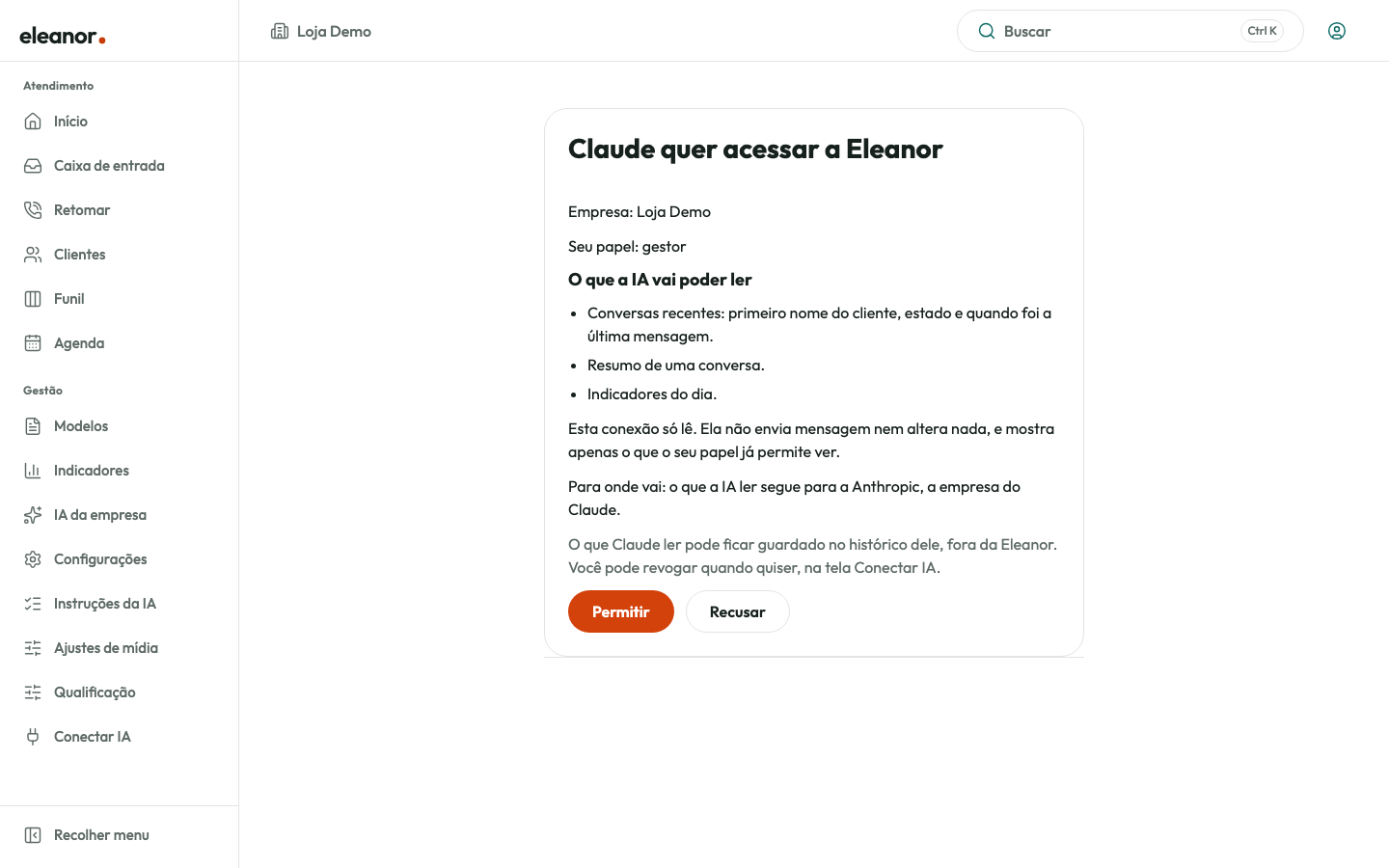
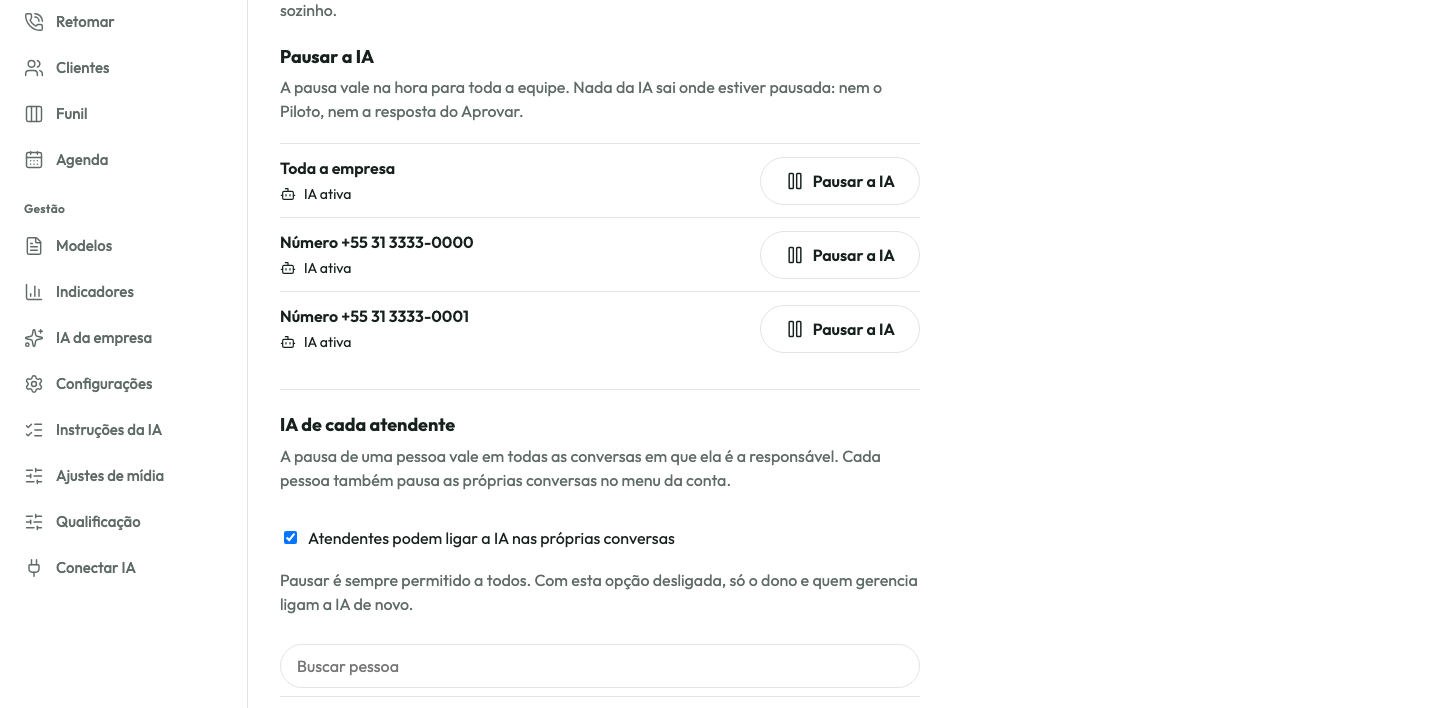
- AI with control: the service agent suggests replies, writes them for the team to approve, or answers on its own in allowed topics, with everything logged.
- Catalog and standardized replies: what the business sells and what it says, one correct version.
- Real metrics: response time, unanswered conversations, results per person.
The rules that apply to the API
Meta sets clear rules, and knowing them is part of the decision. The two that most affect daily life:
- 24-hour window: as the Meta messaging documentation explains, when the customer sends a message, a 24-hour window opens during which the business can chat freely. Outside the window, the business can only follow up with message templates approved by Meta. It is the rule that punishes delays: a customer left unanswered for more than a day won't receive a plain "hi, sorry for the delay".
- Opt-in and quality: the business needs consent to message customers, and Meta grades the number's quality based on usage. Spam lowers quality and blocks delivery.
Notice that the rules punish exactly what hurts sales: delay and pestering. An organized business barely feels them.
Directly with Meta or through a partner
To use the API, a business doesn't need to hire engineers: the normal path for a small company is to use a partner tool that has already built everything. You subscribe to the tool, it connects your number through the official API. Going direct (creating access with Meta and programming it yourself) only makes sense for those with a tech team and a reason of their own.
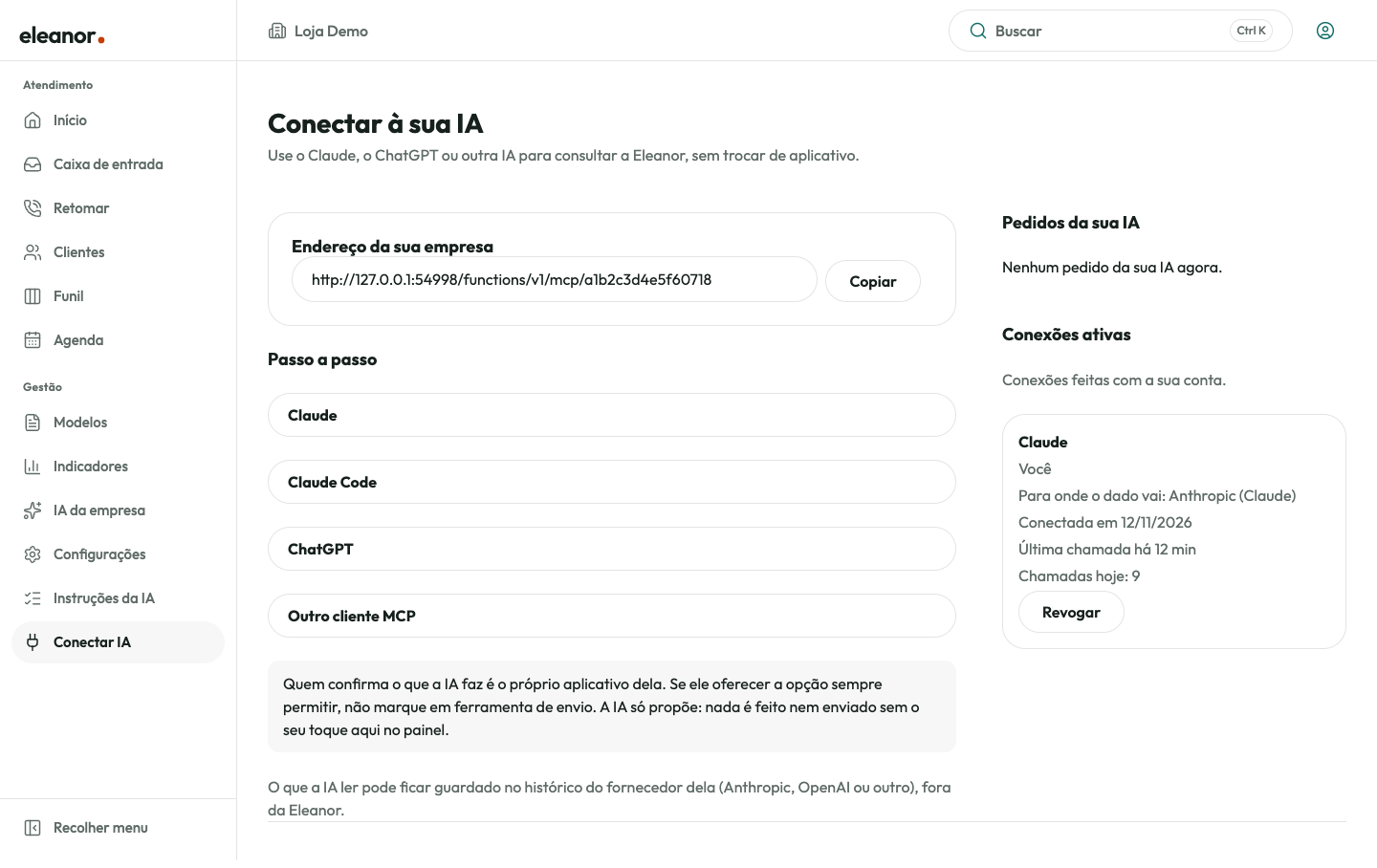
What you should demand from any vendor is simple and works as a negotiation line: connection through Meta's official API, no workarounds. That is what guarantees the business's number follows the official rules and the conversation remains yours if you ever switch tools.
Watch out for unofficial tools
Here is the risk few people put on the table. Out there, there are "systems" that connect to WhatsApp unofficially, usually by simulating the app in a browser or a virtual phone. It works... until it doesn't: Meta enforces its rules and the number can get banned. For a business that sells on WhatsApp, a banned number is like finding your front entrance locked.
That is why "do you use the official API?" is a buying question, not technical curiosity. Before signing with any service vendor, ask how they connect to WhatsApp. A vague answer, walk away. Eleanor connects through Meta's official API, in the mode that coexists with the app: the business's number stays the same, and whatever is answered on the phone shows up on the platform.
Next steps
To sum up the decision: the Business app serves one or two people on one device well; when the business needs a team, history, pipeline and AI, the official API is the way to go. With unofficial tools, you risk losing the number. If the signs above describe your operation, the next step is to size the change: how many numbers, how many people serving, how many contacts.
Put a plan the size of your business together with our team, with or without AI, always on the official API.
Answers on this topic
Frequently asked questions
What is the difference between the WhatsApp Business app and the API?
The app is a free tool for one or two attendants, tied to one device, with catalog and quick replies. The API (WhatsApp Business Platform) is the official tier for systems: the conversation lives on a business-level platform, with a team, automation and metrics. Meta documents both tiers on the official WhatsApp Business pages.
Does the business's number change when connecting through the API?
No, when the connection is made in the official mode that coexists with the app: the number stays the same, the team keeps using WhatsApp on the phone, and whatever is answered there shows up on the platform.
What is the 24-hour window?
Meta's rule that opens 24 hours of free conversation after each customer message. Inside it, the business replies however it wants; outside it, only approved message templates can start a message. In practice, whoever is slow to reply loses the free-form conversation. That's one more reason to keep response times under control.
More articles

Customer stopped replying on WhatsApp? How to follow up
An unanswered quote is not necessarily a lost customer. Use research, context and permission to follow up without pressure, with Eleanor helping draft the message.
Read article

After-hours WhatsApp support: who replies at 10 p.m.?
A customer messages after closing time. How do you acknowledge their request, preserve the next step and use AI responsibly without promising a 24/7 human team?
Read article
AI Speeds Up the Customer Service You Have, Mess and All
AI in customer service doesn't fix what's broken; it multiplies what's already there. In an organized operation that's speed; in a messy one, the AI just gives the wrong answers faster. The minimum-organization checklist before automating.
Read article